Admin login:

Complete the 4-step onboarding process during sign up.
1. Start by entering your first name and last name
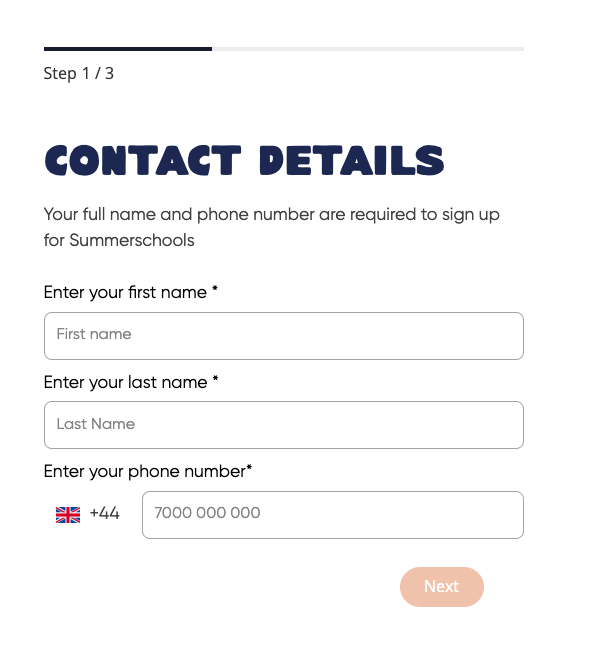
2. In the second step, type in your school’s name, which will be used to create your provider profile. After setting your password, you’ll receive a verification code via email.
.png)
You can complete your school / provider information later on when you log in to your account.
3. Type in a strong password and click Create Account to proceed
4. After setting your password, you’ll receive a verification code via email to confirm your email address.

After verification, access your course dashboard where you manage courses, track performance, and update your provider profile.